JPG to PNG

No upload · runs in your browser

Runs entirely in your browser, nothing is uploaded.

How it works

JPG to PNG Converter for a Lossless Copy

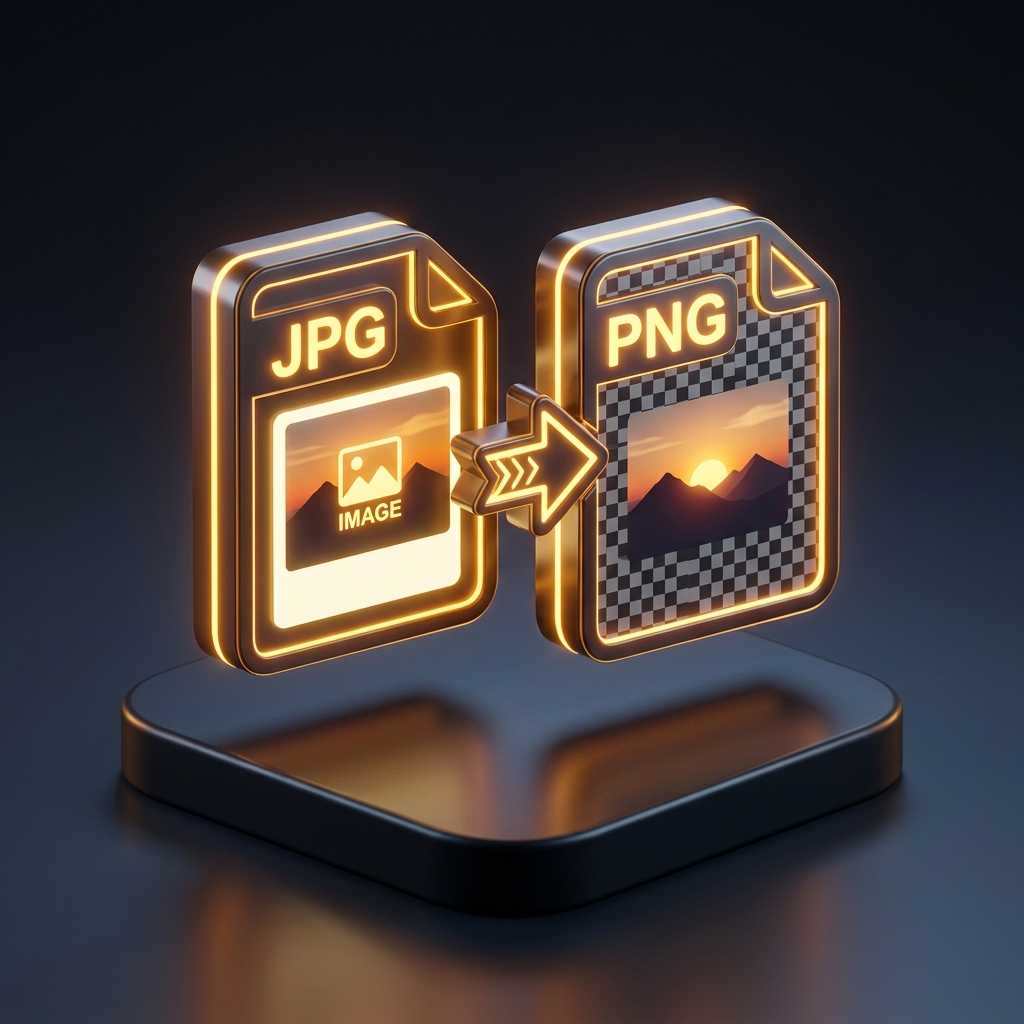
Turn JPG photos into lossless PNGs without uploading them. Drop in one image or a hundred, a single file downloads on its own, a batch comes back as a zip.

What this does
  • Applies the EXIF rotation tag by default, so portrait phone photos are not saved sideways
  • Reports the size change for the batch, which on photographs is almost always an increase
  • One image downloads on its own; several arrive as jpg-to-png.zip
FAQ

No, and nothing can. JPEG throws pixel detail away when it compresses, and what it threw away is gone, the blockiness around small text and the banding in a clear sky are already baked into the pixels you have. PNG is lossless, which means it stores exactly what it is handed, artefacts and all, usually at three to six times the file size. Converting is worth doing when you need a master you can edit and re-save repeatedly without losing more each round, or when the software in front of you refuses to open a JPEG at all. It is not a repair step.

Keep going