All tools
Convert to PDF

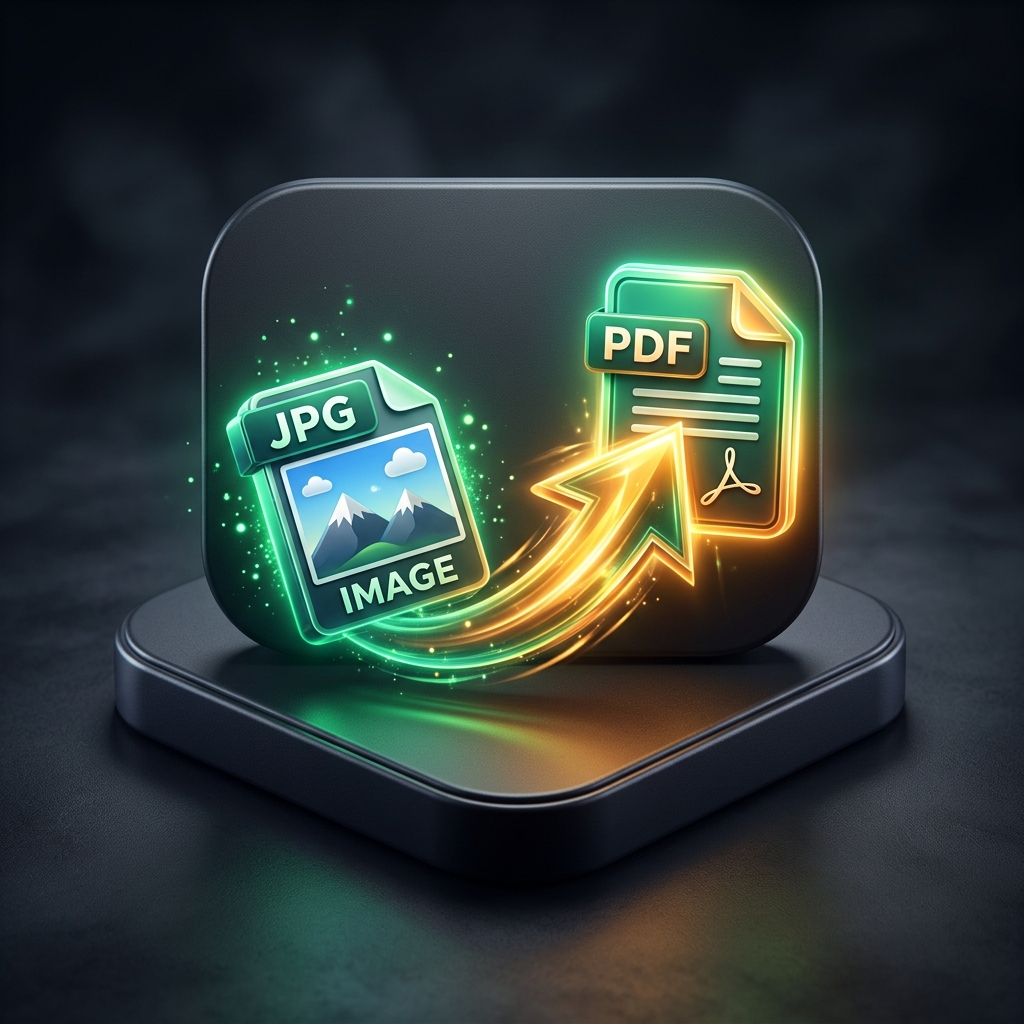
JPG to PDF

Combine photos and scans into a clean PDF. Drop images, set the page size and margins, and download. Nothing leaves your device.

Drop images here
Add as many as you like, and each becomes a page
No upload · processed locally · auto-deleted
A · Keep going

Related tools

B · How it works

Turn photos into a PDF in seconds

Receipts, whiteboards, IDs, sketchbooks: drop the photos, pick a page size, and FernPDF lays each image onto its own page.

Everything is assembled in your browser, which makes it the safe choice for identity documents and anything personal.

C · FAQ

Each image becomes a page, in the order shown. Remove any you don’t want before creating the PDF.

JPG, PNG, WebP and more. Mixed formats in one PDF are fine; non-JPEG images are converted automatically.

Images are embedded at original quality by default. Run the result through Compress PDF if you need a smaller file.