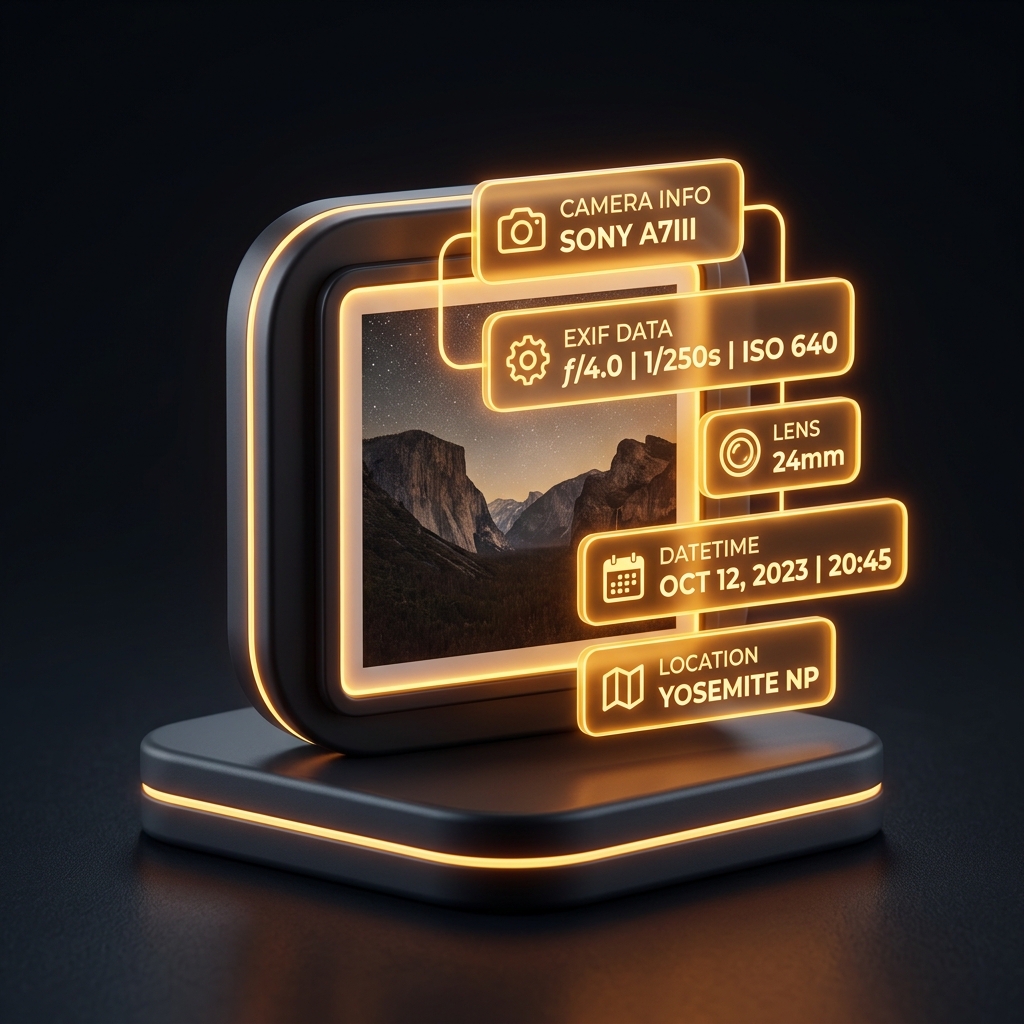
Runs entirely in your browser, nothing is uploaded.
How it works
Crop Image to a Ratio or a Circle Avatar
Drag a box over a JPG, PNG, WebP or GIF, snap it to 1:1, 4:3, 16:9 or 3:2, then cut a circle with a transparent surround.
What this does
- Drag the box, grab one of eight handles, or type exact X, Y, width and height in pixels
- Ratio presets of 1:1, 4:3, 16:9 and 3:2, re-fitted around the current centre when you switch
- Circle mode locks the selection square and writes PNG, so the surround keeps its alpha
- Quality slider from 40% to 100% for JPEG and WebP; PNG is always written losslessly
- The picture is decoded and cut on a canvas in this tab, so it never reaches a server
FAQ
Keep going